AI image generator vs browser AI tools
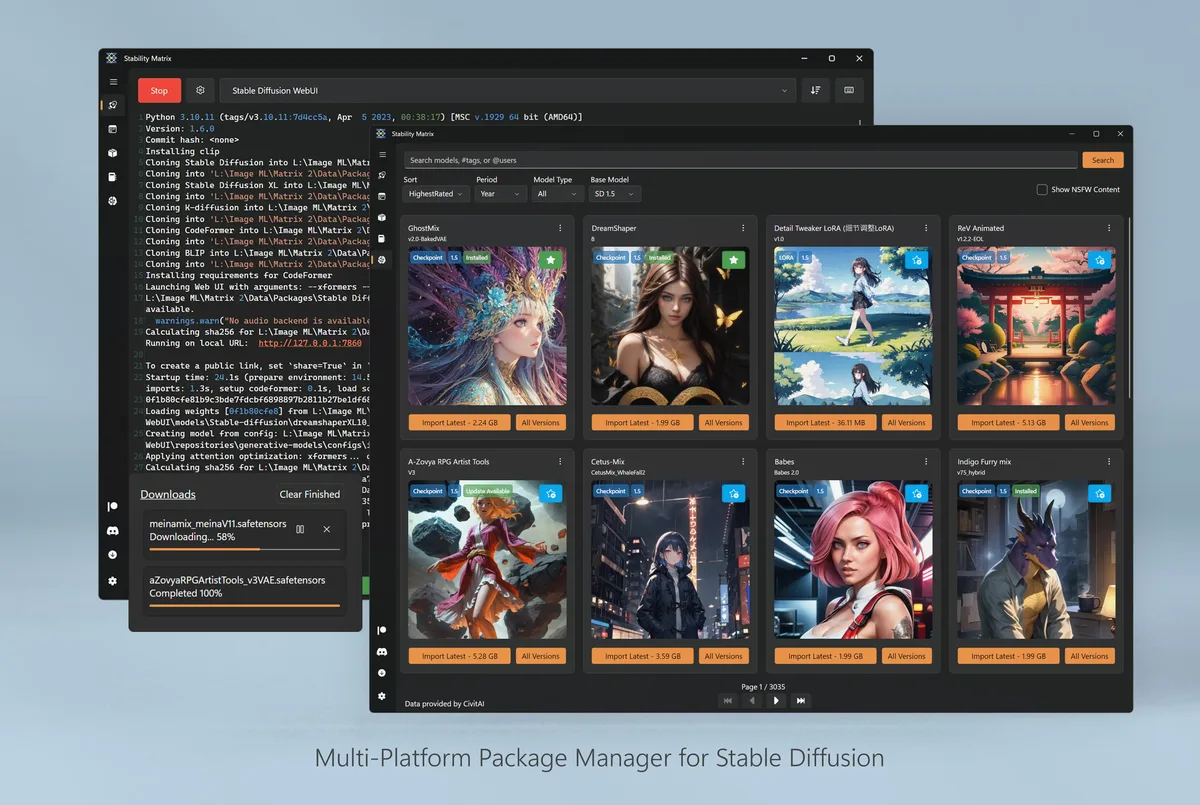
Searchers comparing a desktop AI image generator with browser AI image tools usually want a clear install story, not a brand war. Stability Matrix is the AGPL-3.0 launcher this guide maps. Browser tools vary by vendor; the table below uses common freemium cloud studios as the category.
Side-by-side
| Factor | Desktop launcher | Browser AI tools |
|---|---|---|
| Price | Free desktop (AGPL-3.0) | Freemium or subscription |
| Open source | Yes | Usually no |
| Install | GitHub Releases zip/DMG | Account in browser |
| Offline after setup | Yes for local packages | Rarely |
| Model control | Shared local folders | Vendor catalog |
| GPU | Your hardware | Hosted |
When the desktop path is better
Choose the local AI image generator when you need offline work, private drafts, or a multi-package lab on one PC. Shared checkpoint managers and one-click packages reduce the usual “five broken Python envs” failure mode.
When the browser path is better
Choose browser tools when you cannot install software or need rented GPUs today. They also win for quick one-offs where setting up an AI image generator would take longer than the task itself.
Switching toward local
Export images you care about from the browser tool. Install from GitHub Releases using StabilityMatrix-win-x64.zip on Windows (or the matching macOS/Linux asset). Import models you are licensed to use, then recreate styles manually. Walkthrough: local vs cloud, Windows install.
Honesty limits
Browser vendors differ on retention and training policies; read each vendor’s terms. Local stacks differ on which packages you trust. This comparison does not crown a single winner for every team. It maps the install and ownership differences that matter after you type AI image generator into a search box.
- Prefer GitHub Releases for the desktop launcher.
- Prefer named vendors you already reviewed for cloud.
- Avoid adware wrappers in either lane.
Feature depth
Desktop packages can expose node graphs, training UIs, and exotic samplers. Browser tools often hide that depth behind simpler forms. If your job needs reproducible local pipelines, the AI image generator desktop path is usually clearer. If your job needs a marketing-friendly form, cloud may be enough.
Support channels
Upstream Discord, GitHub Issues, and wiki pages support Stability Matrix. Browser tools ship vendor chat and help centers. Independent install wording on this guide is separate from both. Contact: contact.
Related: releases, safety, first hour.
Operational checklist
Before you hand a machine to someone else, write down the AI image generator asset name, the data directory path, and the package you proved. Those three lines prevent adware shortcuts and confused helpdesk tickets. Prefer GitHub Releases for LykosAI/StabilityMatrix whenever the next upgrade is due.
If policy blocks unknown binaries, stop rather than force a wrapper. Use an approved cloud studio temporarily, then return to the local AI image generator path when you control the PC again.
Storage and backups
Checkpoints and packages grow quickly. Keep the data directory on a volume with free space, and back it up before reimaging. Document GPU driver versions beside the asset name when your shop cares about reproducibility.
- Match filenames on Releases.
- Prove one package after every upgrade.
- Keep one update door forever.
Repeat the proof after every OS reimage: open the AI image generator launcher, confirm the package list, and run a tiny generation. That habit keeps GitHub Releases as the only trusted door and keeps Softonic-style mirrors out of the workflow.
Keep Releases bookmarked
Bookmark GitHub Releases for LykosAI/StabilityMatrix so the next AI image generator upgrade does not start in a search ad. Match the same asset family you used on day one: Windows zip, macOS DMG, or Linux AppImage.
After every upgrade, prove one package launch again. That short proof catches broken extracts faster than reading an entire changelog. Keep the data directory path written down beside the asset name.
Shared PC notes
On a shared workstation, write the AI image generator asset name on a sticker note or wiki line. The next person should not have to guess whether the machine used the Windows zip, the macOS DMG, or the Linux AppImage. Clear ownership of the data directory prevents orphaned multi-gigabyte folders.
If antivirus quarantines a fresh extract, compare the filename to GitHub Releases before you restore anything. A drifted name is a delete-and-redownload event, not a reason to trust a random mirror for the AI image generator launcher.